Make short videos on your own Mac.
Describe a scene and get a short clip. It is made on your Mac from start to finish, and nothing is uploaded.
Apple silicon Macs, in beta.
Windows and Linux with NVIDIA RTX come next.

In Create
Right next to your pictures.
Video lives in Create, the same place you make images. Choose Video, then describe what you want to see.
Some models can also start from a picture you already have and bring it to life.
Clips are short: 2, 3 or 5 seconds. Pick a size up to the model's largest, and every clip is saved in your Library.

Models
More memory, bigger models.
Every Mac starts with Fast. It is quick, and on a 16 GB Mac the clips are short and modest.
Macs with more memory see bigger models automatically, and bigger models make better clips.
Your Mac's memory
3
video models at 16 GB
Fast
Self-Forcing, on Wan 2.1 1.3B · 16 GB+
The default. Quick drafts in 4 steps. Up to 832 × 480.
Personal use onlyWan 2.1 1.3B
Wan · 16 GB+
Steadier motion than Fast. Up to 832 × 480.
Commercial useWan 2.2 5B
Wan · 16 GB+
720p, from text or a picture. Up to 1280 × 704.
Picture to videoCommercial useWan 2.2 5B (high quality)
Wan · 24 GB+
The same model at full 8-bit, finer detail. Up to 1280 × 704.
Picture to videoCommercial useWan 2.1 14B
Wan · 32 GB+
The large Wan 2.1 model, from text. Up to 1280 × 720.
Commercial useWan 2.1 14B picture to video
Wan · 32 GB+
Brings a picture to life. Up to 832 × 480.
Picture to videoCommercial useWan 2.2 A14B
Wan · 64 GB+
Wan 2.2's largest text-to-video model. Up to 1280 × 720.
Commercial useWan 2.2 A14B picture to video
Wan · 64 GB+
Wan 2.2's largest picture-to-video model. Up to 1280 × 720.
Picture to videoCommercial useLTX-2.3 22B
Lightricks · 64 GB+
A large model from Lightricks, up to 1080p. Up to 1920 × 1088.
Picture to videoPersonal use only
Memory is the least each model needs. Fast is Self-Forcing, a 4-step version of Wan 2.1 1.3B with a tiny decoder. Everything runs on stable-diffusion.cpp, an open engine, using the community's model files exactly as published, with no conversion.
Your Mac only
Made here. Kept here.
Runs on your Mac
The model, your words and the finished clip all stay on it.
Nothing uploaded
No cloud step, not even for a preview.
Licences, in plain words
Know what you can do with a clip.
Every model carries its maker's licence. The app puts a badge on each one, so you know before you start.
Use it in work you sell.
The Wan models, from Wan 2.1 1.3B up to Wan 2.2 A14B, use the Apache 2.0 licence.
For you, not for paid work.
Fast, the default, is for personal use only. So is LTX-2.3 on big Macs.
What you make, and how you use it, is on you. Illegal content is never allowed.
What's next
Mac first. PCs next.
Video is a beta on Mac today. Windows and Linux PCs with NVIDIA RTX cards come next. Video on the Grid comes later.
Apple silicon Macs
Today, in beta.
Windows and Linux with NVIDIA RTX
Next.
Video on the Grid
Later, and only for models whose licence allows commercial use.
Start with one sentence.
Video is in Singularity Desktop 1.13.2. Making pictures too? Read about Image & Video.
Apple silicon Macs, in beta.
Windows and Linux with NVIDIA RTX come next.
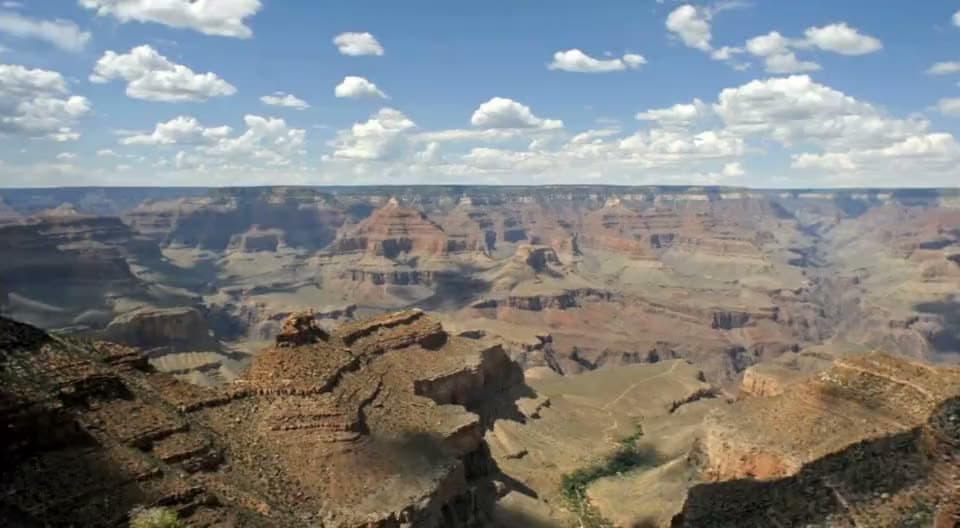
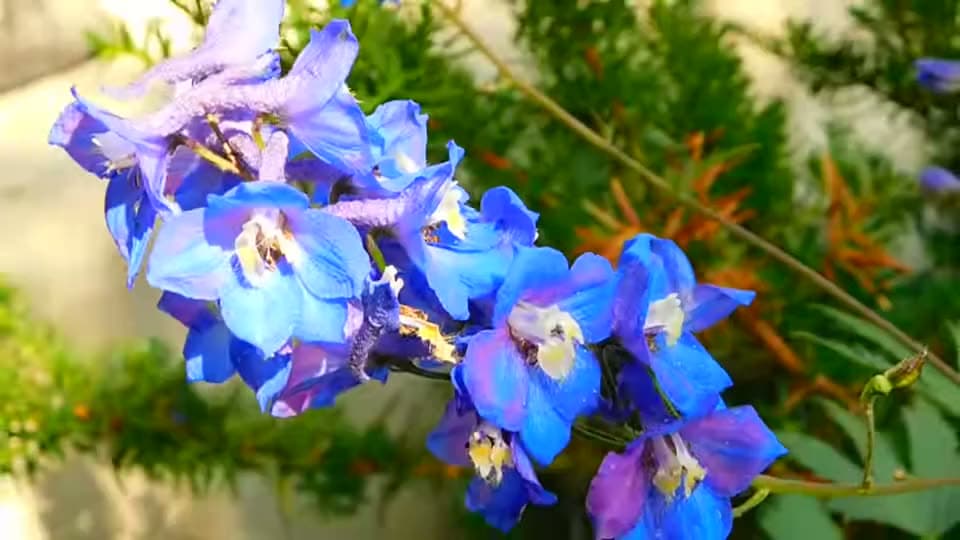
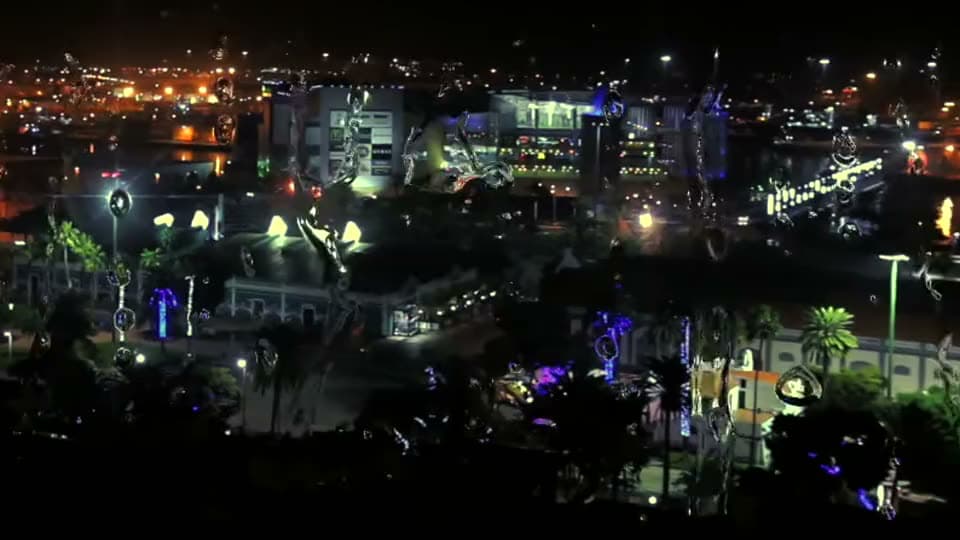
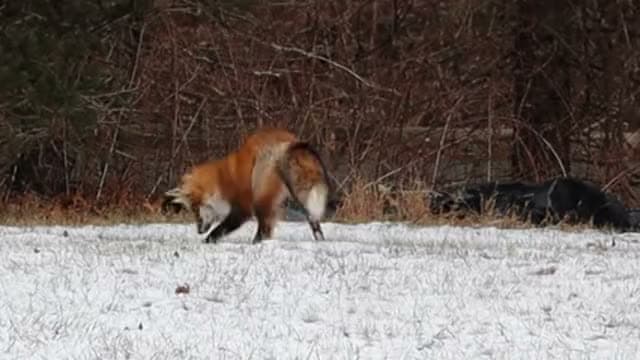
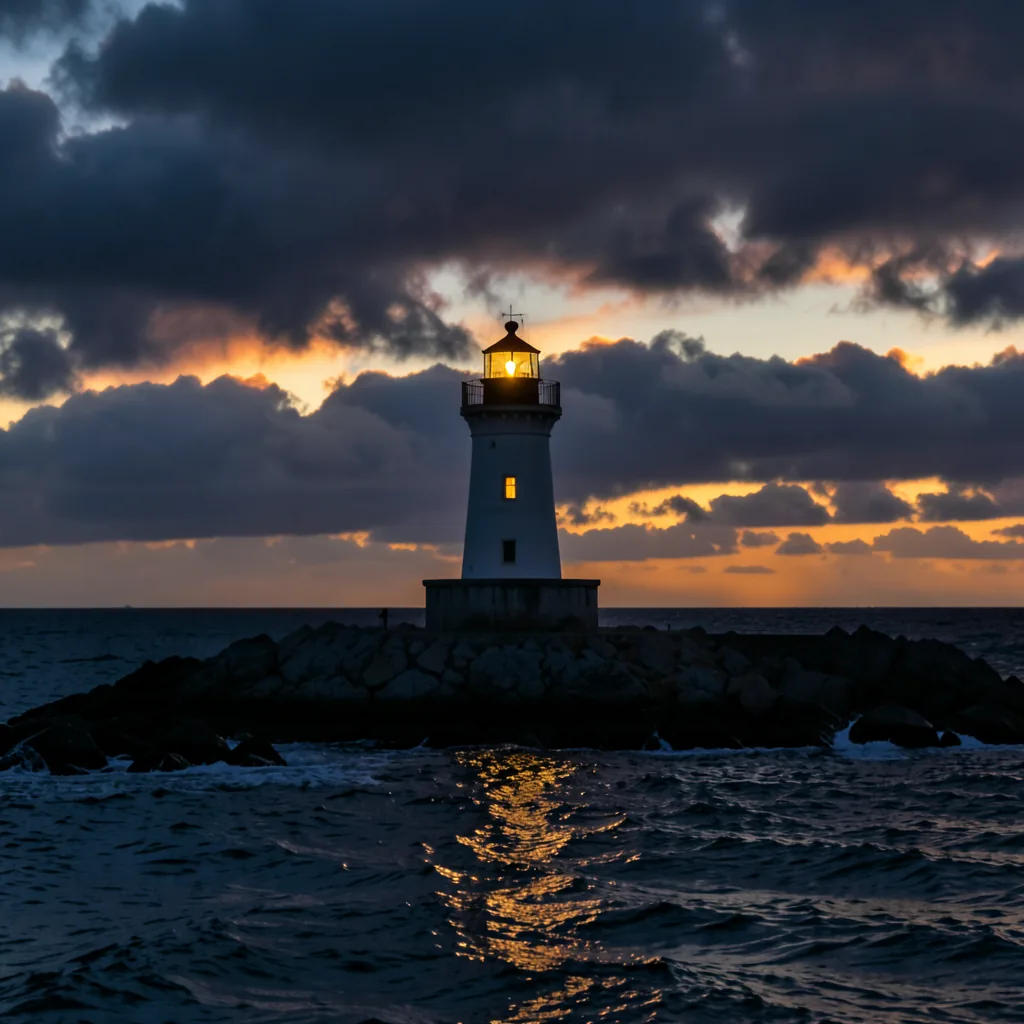
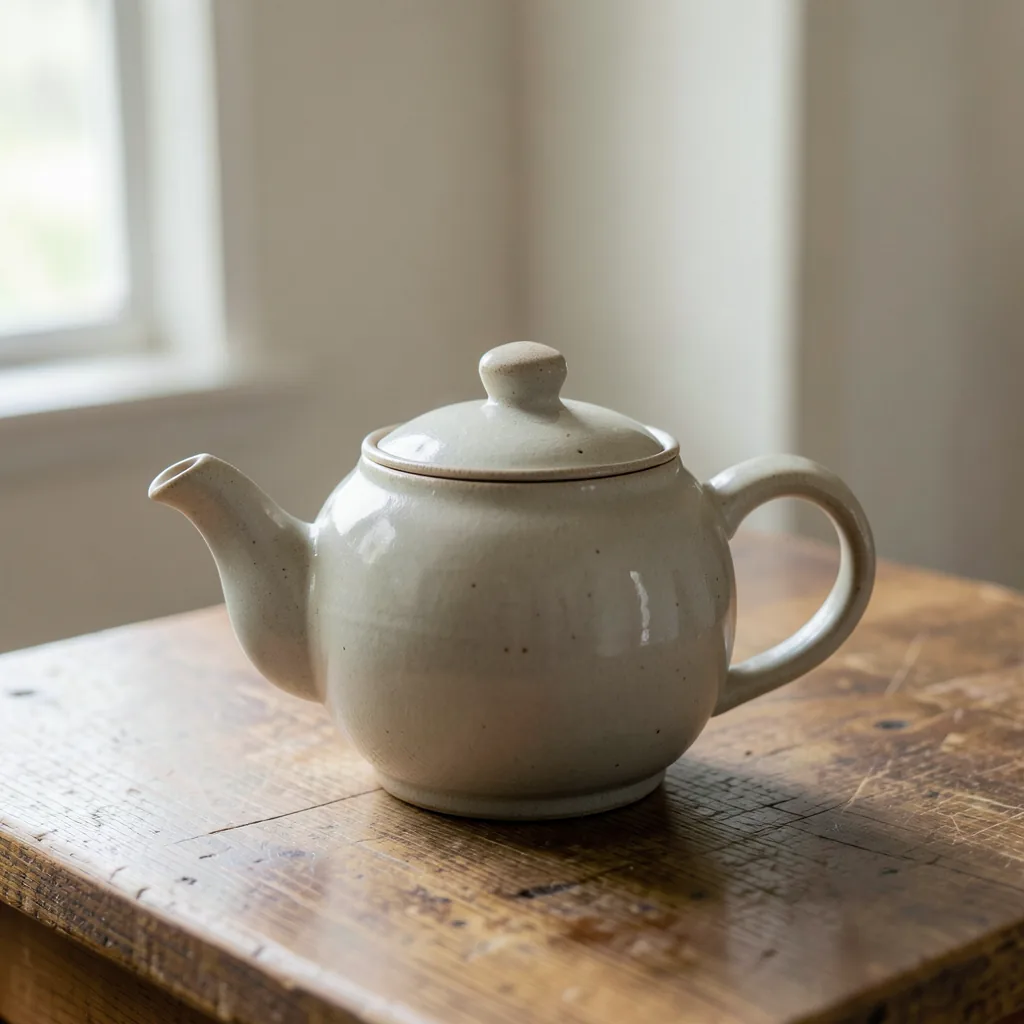
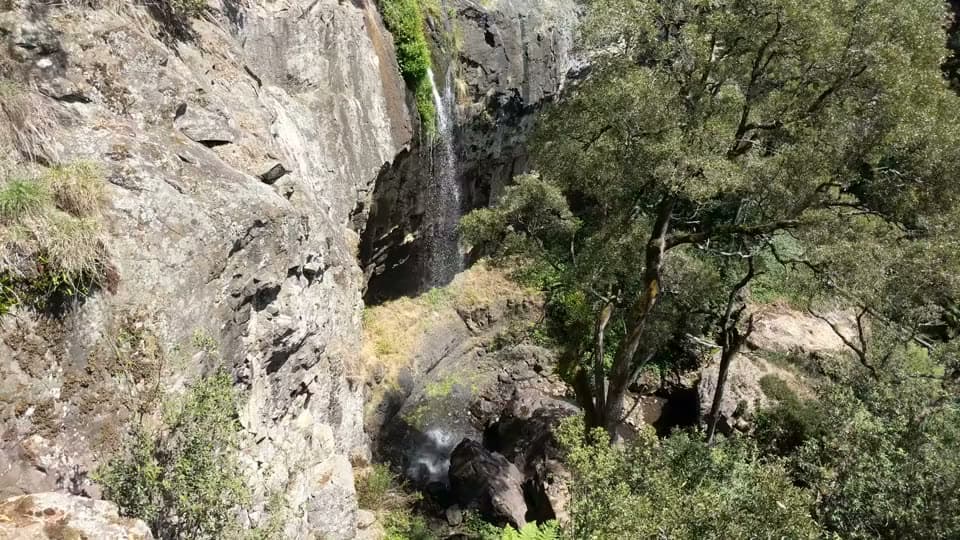
Example footage: public domain (Wikimedia Commons). These clips show the kind of scene you can describe; they were not made by the app. Sources